Projects Block.
Schedule, selections, allowances, and change orders — the build in one system.
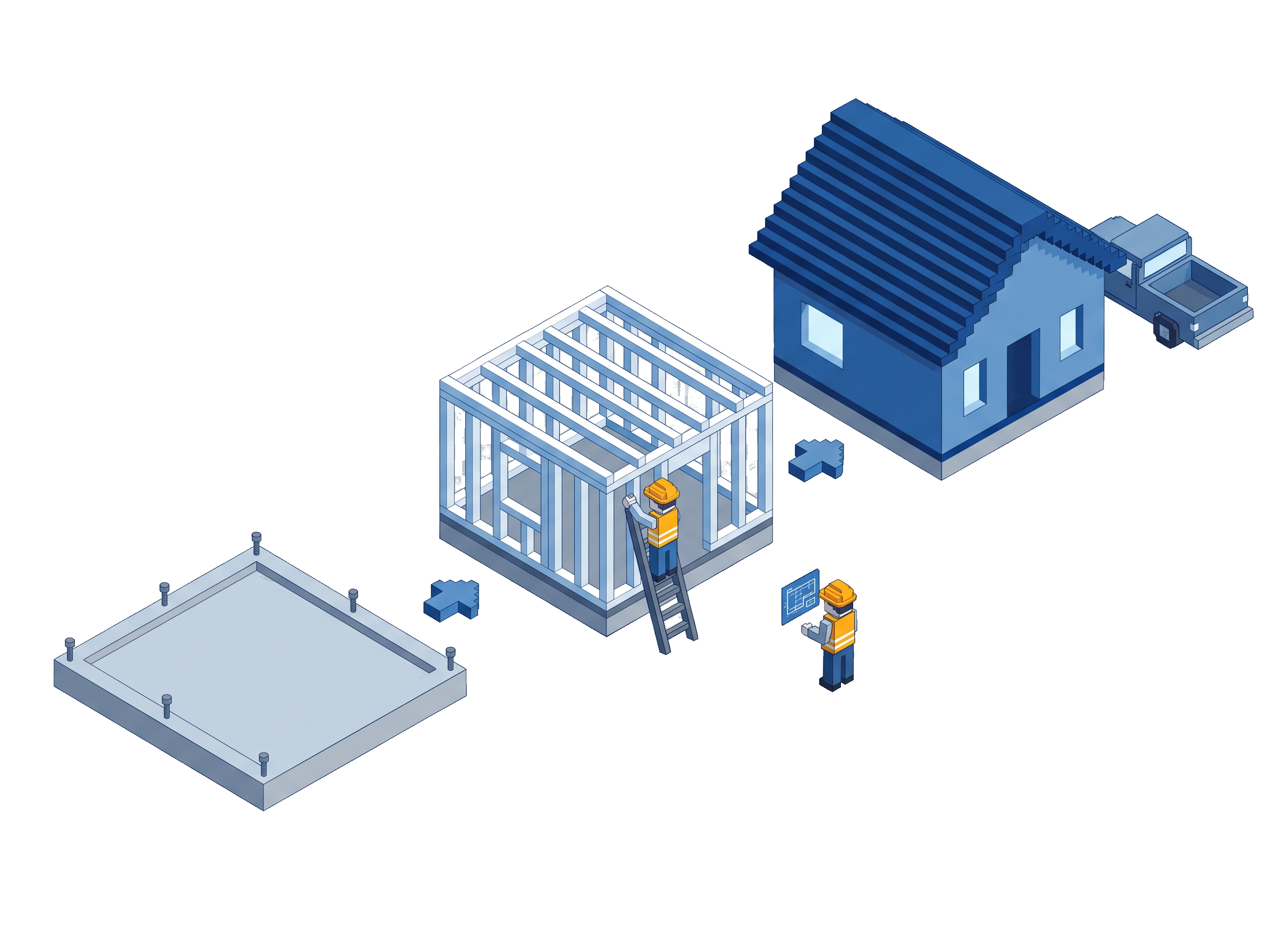
The Projects Block is schedule, selections, allowances, and change orders — the build in one system — for East Tennessee builders on Yglu.
Tasks, dependencies, jobsite views
The schedule your team runs the job on, with dependencies and views built for the field, not just the office.
Choices tracked to the allowance
Every selection recorded against its allowance, so the number moves the second a choice is made — not at the end of the month.
Written, priced, signed on the record
A change order is drafted, priced, and sent for signature on the project. No side email chain, no forgotten add.
Captured from a phone
The super captures the daily log and jobsite photos from a normal mobile browser. It lands on the project the moment it is saved.
The homeowner sees the same picture
Portal Block runs off the same project record, so the homeowner sees the same schedule, budget, and status your team does.
Straight answers on the Projects Block.
- Yes. Supers capture logs, photos, and punch items from a normal mobile browser. There is no separate app to install.
- Written and priced on the project record, then sent for signature. Every change lives on the job, not in a separate email chain.
- On the Portal Block, which runs off the same project record. The client sees the same schedule and budget your team does.
See if your firm is a fit.
Apply for an install. It starts with a free on site visit, no pressure and no obligation.
Apply for an install